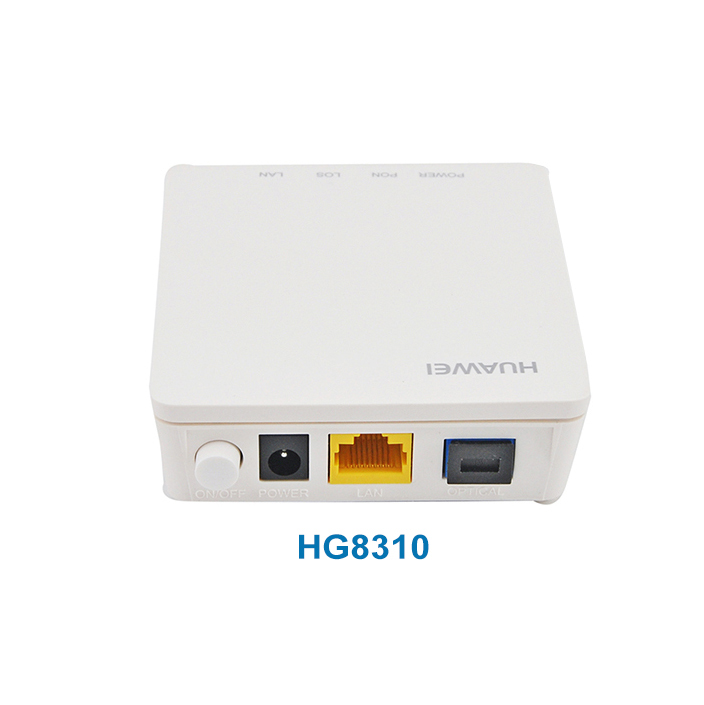
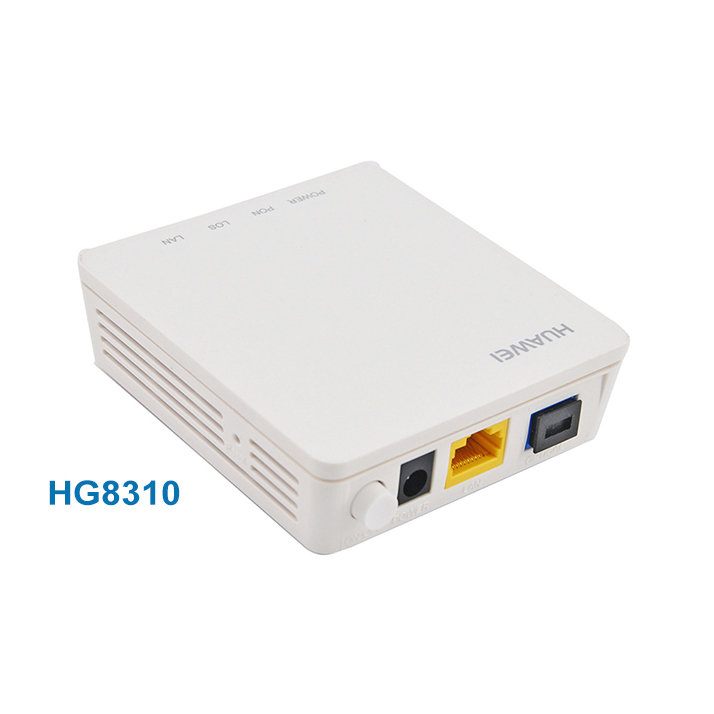
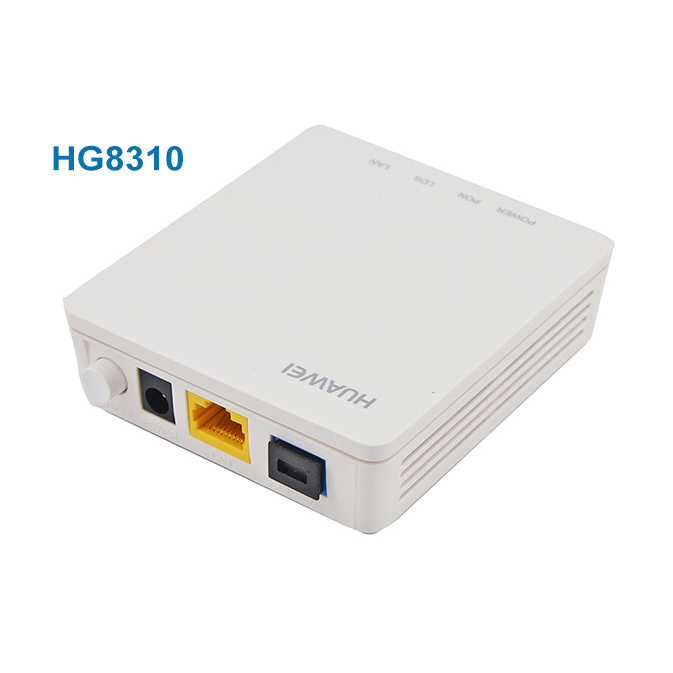
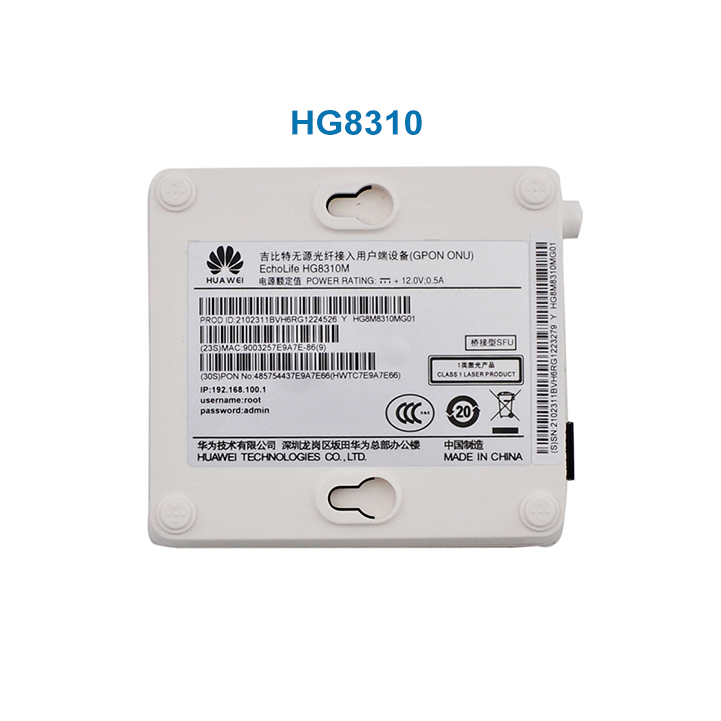
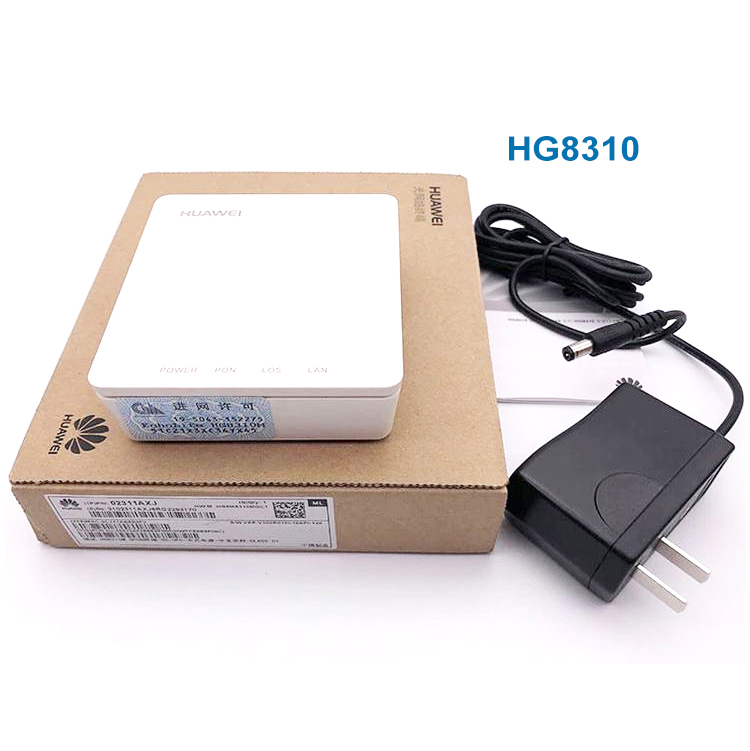
⚙️
Plug and Play (PnP): Just click NMS to deploy Internet and IPTV services; no on-site configuration required.
🔍
Remote Diagnosis: Realize remote fault location through accurately located feeders and lead-in cables.
🚀
High-speed Forwarding: Supports GE wire-speed forwarding for optimal performance.
🔄
Dual Mode Support: Support EPON and GPON Mode with automatic switch mode functionality.
🛠️
Auto-Discovery: Support ONU auto-discovery, Link detection, and remote software upgrades.
🌐
WAN Connections: Supports both Route and Bridge modes for flexible networking.
🛡️
Security & QoS: Built-in Firewall, IGMP snooping, and support for QoS and DBA.
📞
VoIP Service: Includes a POTS interface specialized for stable Voice over IP services.
⚖️
Maintenance: Support TR069 remote configuration and loop-detect features.
Frequently Asked Questions
What are the primary interfaces available on the HG8120C?
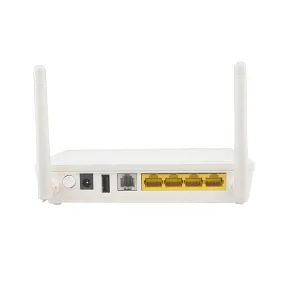
The HG8120C features one Gigabit Ethernet (GE) port, one Fast Ethernet (FE) port, and one POTS (TEL) port for voice services.
Does this model support both GPON and EPON networks?
Yes, it supports dual-mode operation and can switch between GPON and EPON modes automatically depending on the network environment.
Is the HG8120C a Plug and Play device?
Yes, it supports PnP. Internet and IPTV services can be deployed via NMS without requiring on-site manual configuration.
What should I do if the LOS indicator is blinking?
A blinking LOS (Loss of Signal) light indicates that the device is not receiving an optical signal. Please check the fiber optic cable connection.
Does the HG8120C support PPPoE and DHCP?
Yes, in Route mode, it fully supports PPPoE, DHCP, and static IP address configurations.
Can I manage this device remotely?
Yes, the device supports TR069 for remote configuration and maintenance, as well as remote fault diagnosis.
 KOCENT OPTEC